

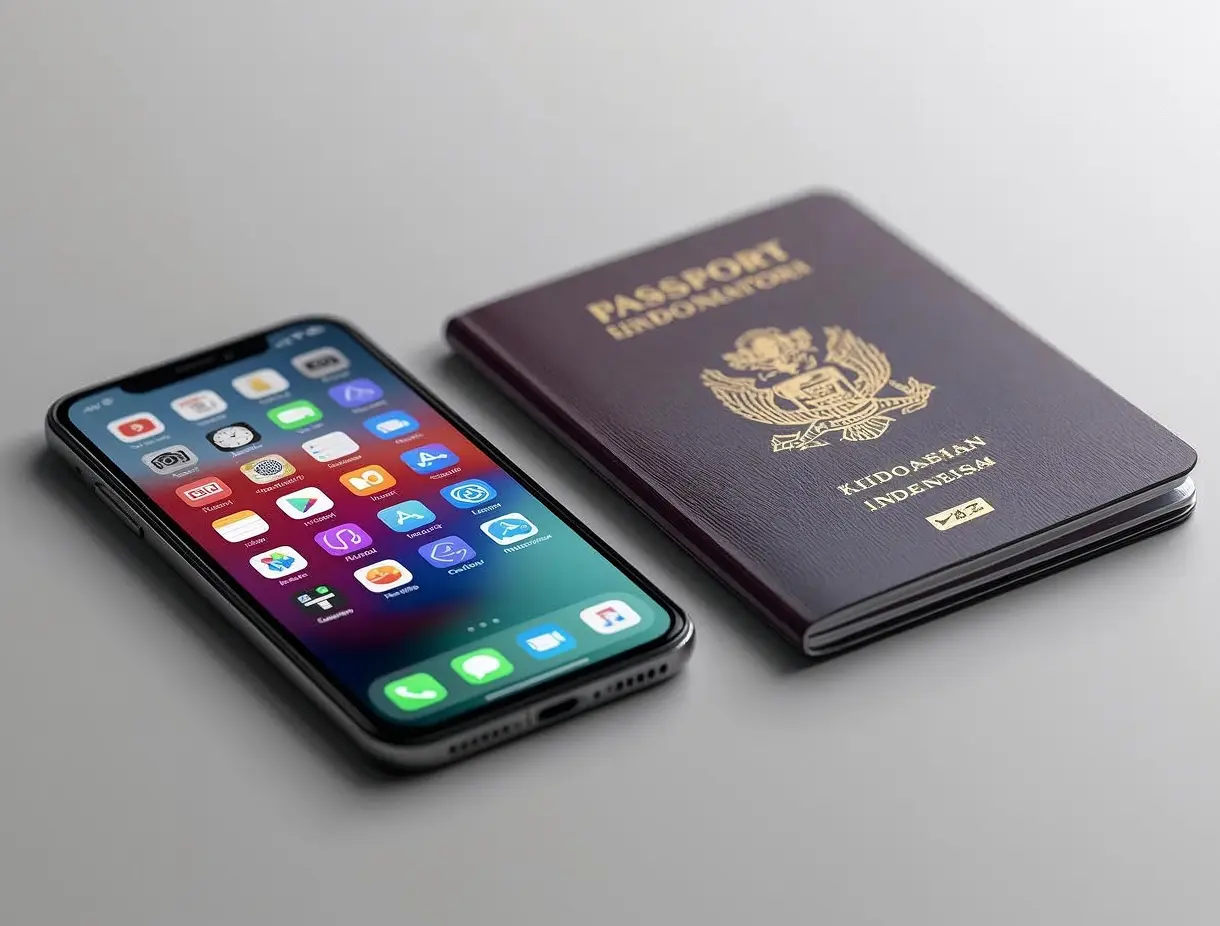
Getting a passport used to mean waking up at 4 a.m. to secure a queue number, only to wait for hours under fluorescent lights. The Directorate General of Immigration has changed that with the launch of the M-Passport app — a mobile solution that moves the most time-consuming parts of the process entirely online.
Whether you’re applying for your first passport or renewing an expired one, the M-Passport app streamlines the experience into a few simple steps from your smartphone. This guide walks you through the full process so you arrive at the immigration office prepared, confident, and with zero surprises.
Documents you’ll need
- KTP (ID card)
Original + photocopy - Birth certificate
Original + photocopy - Family card (KK)
Original + photocopy - Old passport
For renewal only
Step-by-step guide
- Download and register
Install the M-Passport app from the App Store or Google Play. Create an account using your NIK (national ID number), active email address, and phone number. Verify your account via the OTP sent to your phone. - Fill in personal data
Select “New Passport” or “Renewal” and complete the personal data form. Make sure your name, date of birth, and address match exactly what’s on your KTP to avoid rejection. - Upload supporting documents
Photograph each required document with good lighting and no glare. Upload KTP, KK, and birth certificate scans through the app. Files must be in JPG or PDF format and under 2 MB each. - Choose immigration office & schedule
Select your nearest immigration office and pick an available appointment slot. Peak slots (Monday mornings) fill quickly — mid-week afternoons tend to be easiest to book. - Pay the application fee
Pay the official fee of Rp 350,000 (standard 48-page passport) through the in-app payment gateway or via the linked bank virtual account. Keep your payment receipt as proof. - Visit the immigration office
Arrive on time with your original documents and the app’s booking confirmation QR code. You’ll undergo biometric data collection (photo and fingerprints) — the only in-person step required. - Track and collect
Monitor your application status directly inside the app. Once ready (typically 3–4 working days), collect your new passport at the office window or opt for home delivery in select cities.
The M-Passport app represents a significant step forward in making government services more accessible for all Indonesians. With a steady internet connection and your documents ready, the entire pre-visit process can be completed in under 20 minutes — leaving you more time to plan the trip itself.